
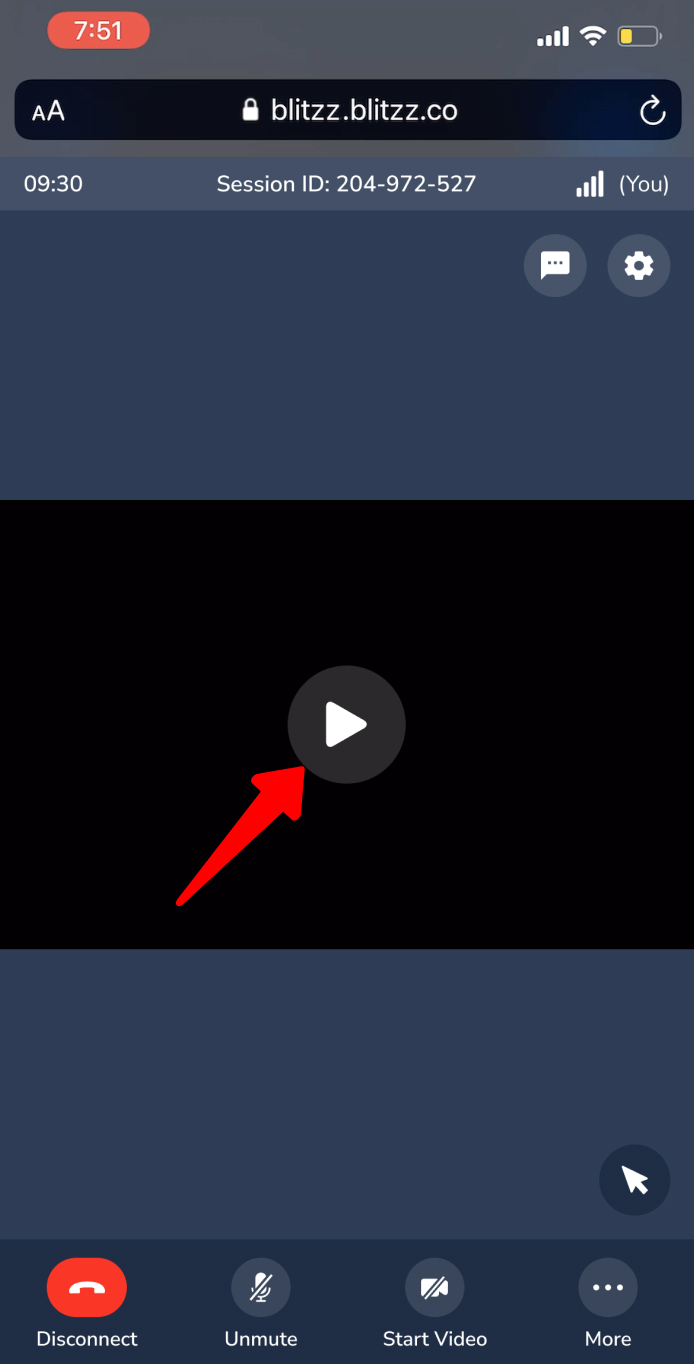
If you see a play icon instead of video or screen share on your iPhone, Low Power Mode is the most likely cause.
Why this happens
Low Power Mode, or using your phone without it plugged in, can put the device into a power saving state. This reduces performance and can stop video or screen share from displaying. To fix it, charge your device or turn off Low Power Mode.
How to turn off Low Power Mode on iPhone
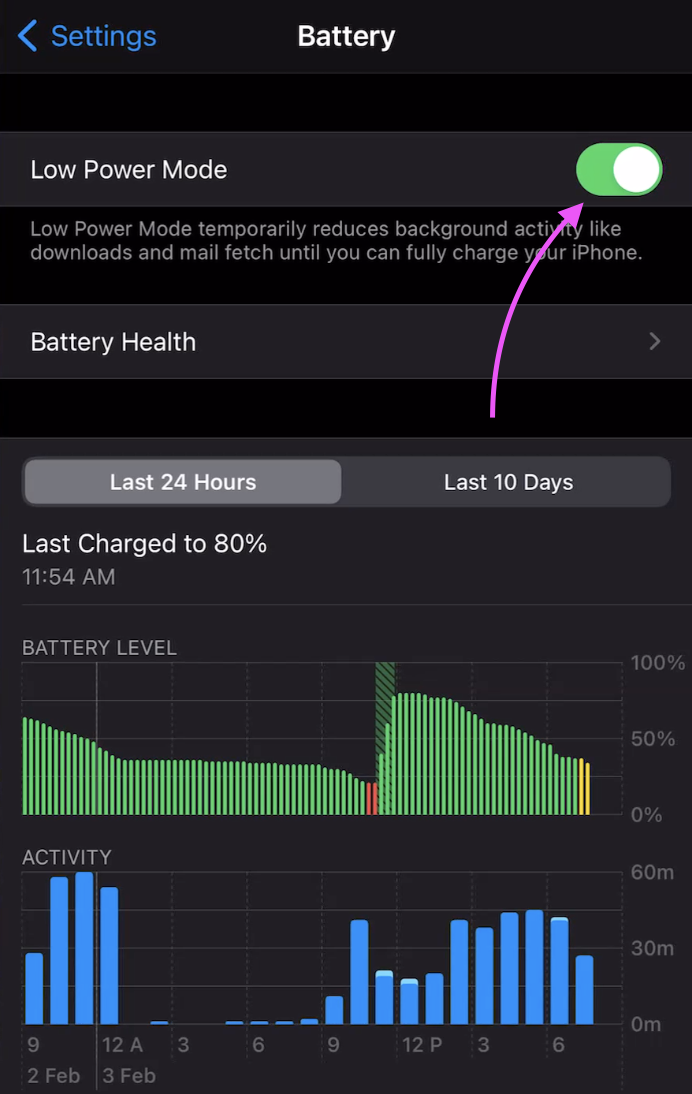
- Open the Settings app.
- Scroll down and tap Battery.
- Turn Low Power Mode off.
Frequently asked questions
Why is my Blitzz video not showing on iPhone?
If a play icon appears instead of video, Low Power Mode is likely limiting performance. Turn it off or plug in your phone.