
If Microsoft Edge is blocking your camera or microphone, follow these steps to turn them back on before your Blitzz call. You need Edge version 79 or later.
How to enable the camera and mic in Edge
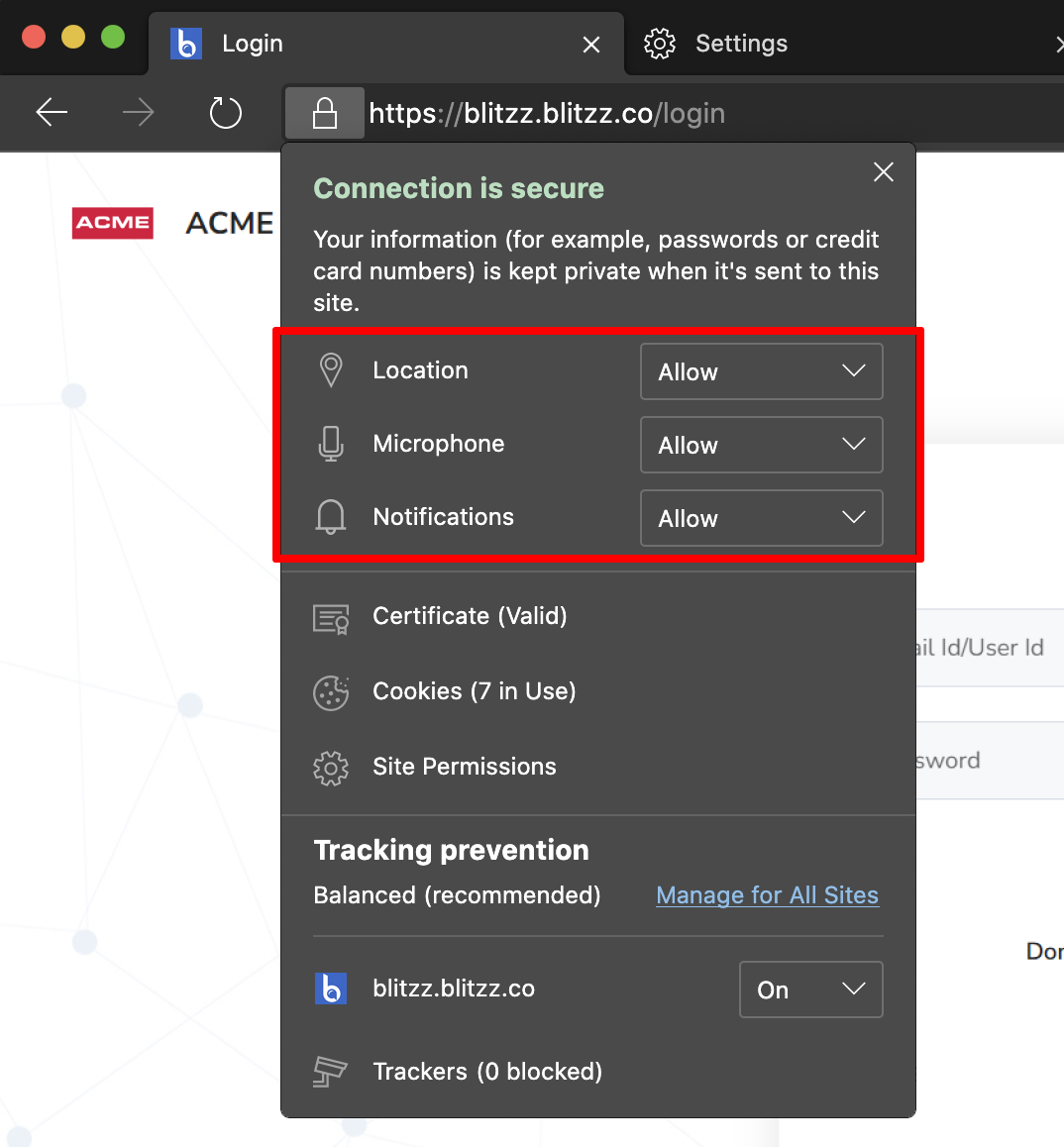
- Click the lock icon in the address bar.
- Open the menu next to Camera and Microphone.
- Set both to Allow.
- Refresh the tab (Ctrl + R on Windows, Cmd + R on Mac).
If the camera and mic are still disabled, reset Edge permissions.
Frequently asked questions
Which version of Edge works with Blitzz?
Edge version 79 or later.