
Note: The Measurement tool is in Beta. It can't be used when Gallery View is on.
AR Measurements let a guest measure objects with their phone camera during a Blitzz session.
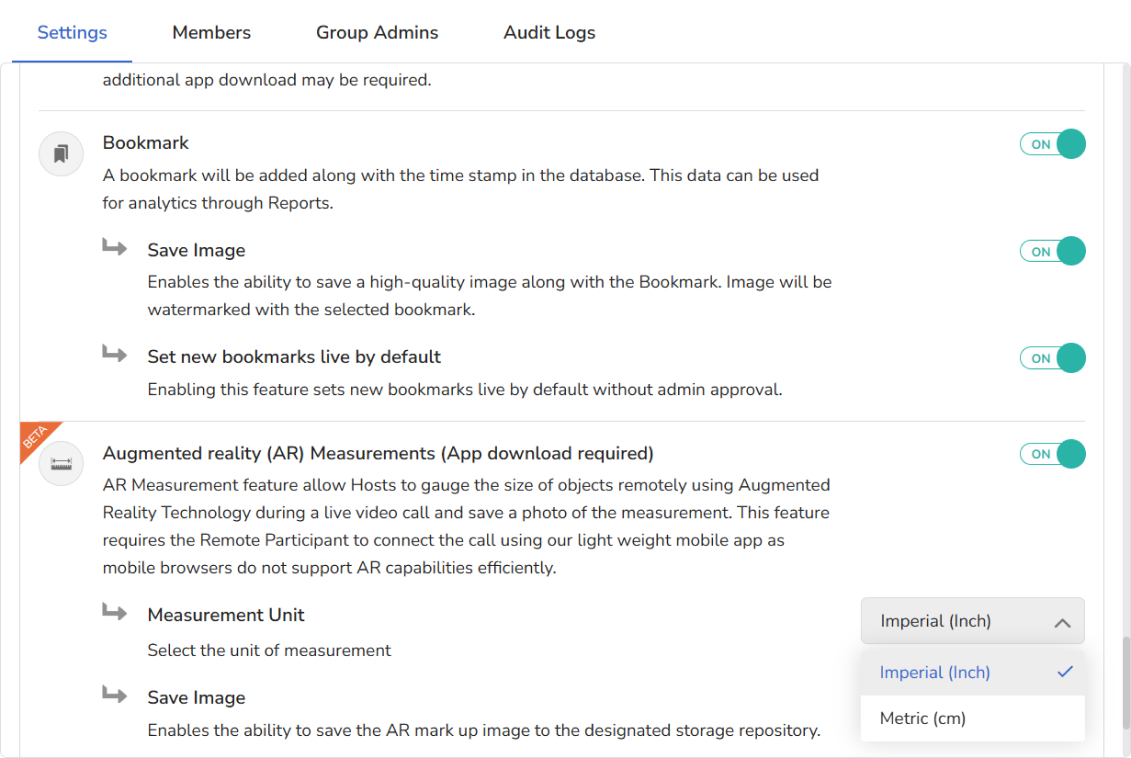
Step 1: Turn on Measurements in the Collaboration Profile
Scroll to the bottom of the Collaboration Profile and turn Measurements on. Choose the unit: Imperial (inch) or Metric (cm). Scroll back up and click Save.
Step 2: Agent starts the measurement
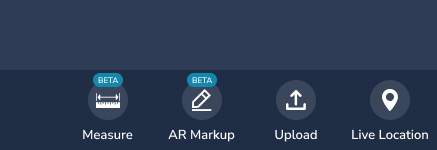
During the session, the agent clicks the measurement icon at the bottom right of the toolbar.
Step 3: Guest starts measuring
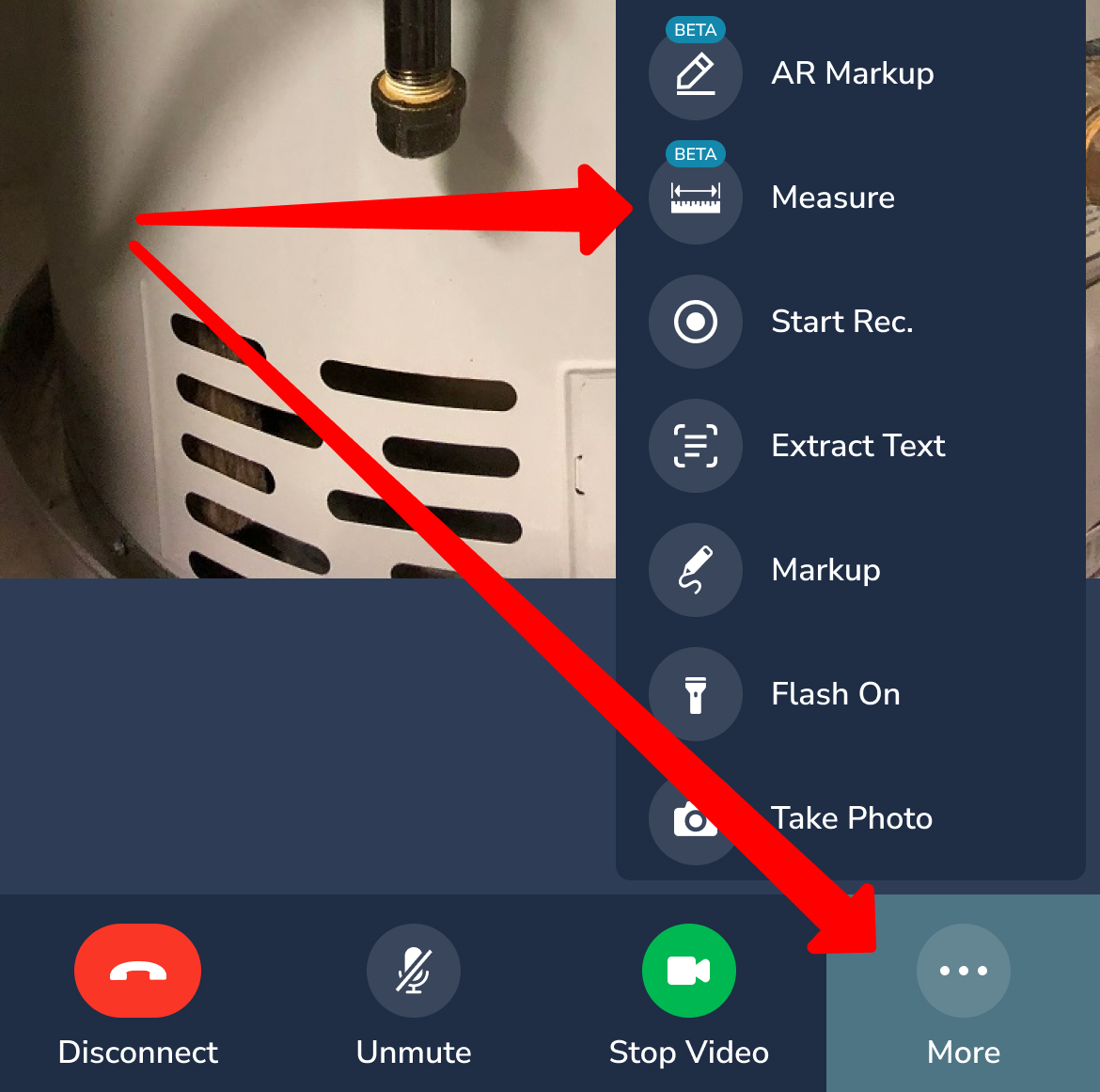
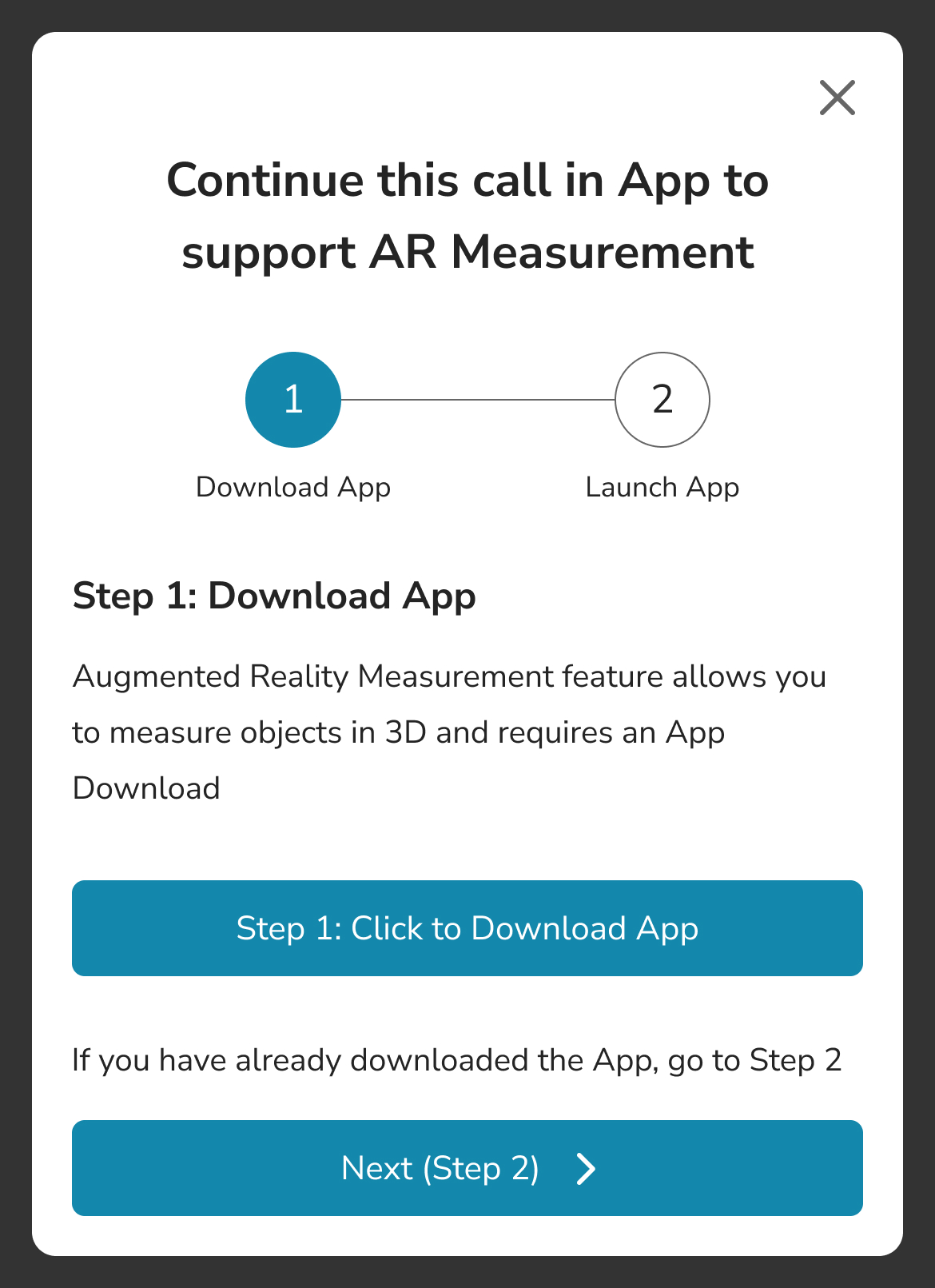
The guest taps More > Measure. The guest needs the Blitzz mobile app to use the Measurement tool. We highly recommend the latest version.
The guest then sees this screen:
Frequently asked questions
Can guests use AR measurements in the browser?
No. Guests need the Blitzz mobile app.
Can I use measurements with Gallery View?
No. Turn off Gallery View to use the Measurement tool.