
Available to: Blitzz Inspect and Concierge users with the Admin role, on all plans
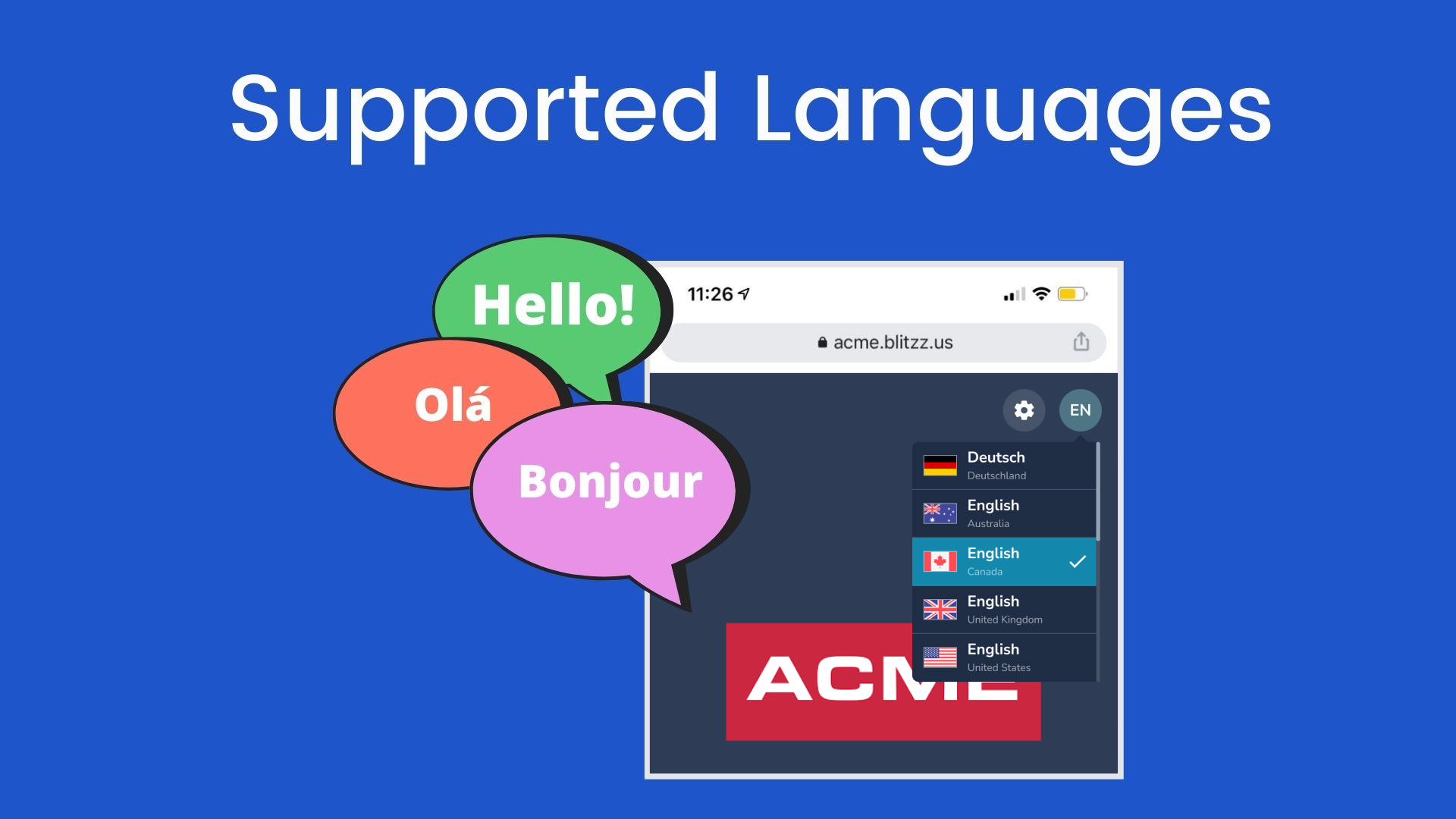
You can localize guest and agent screens on your domain, website and mobile app in a few clicks.
How to choose available languages
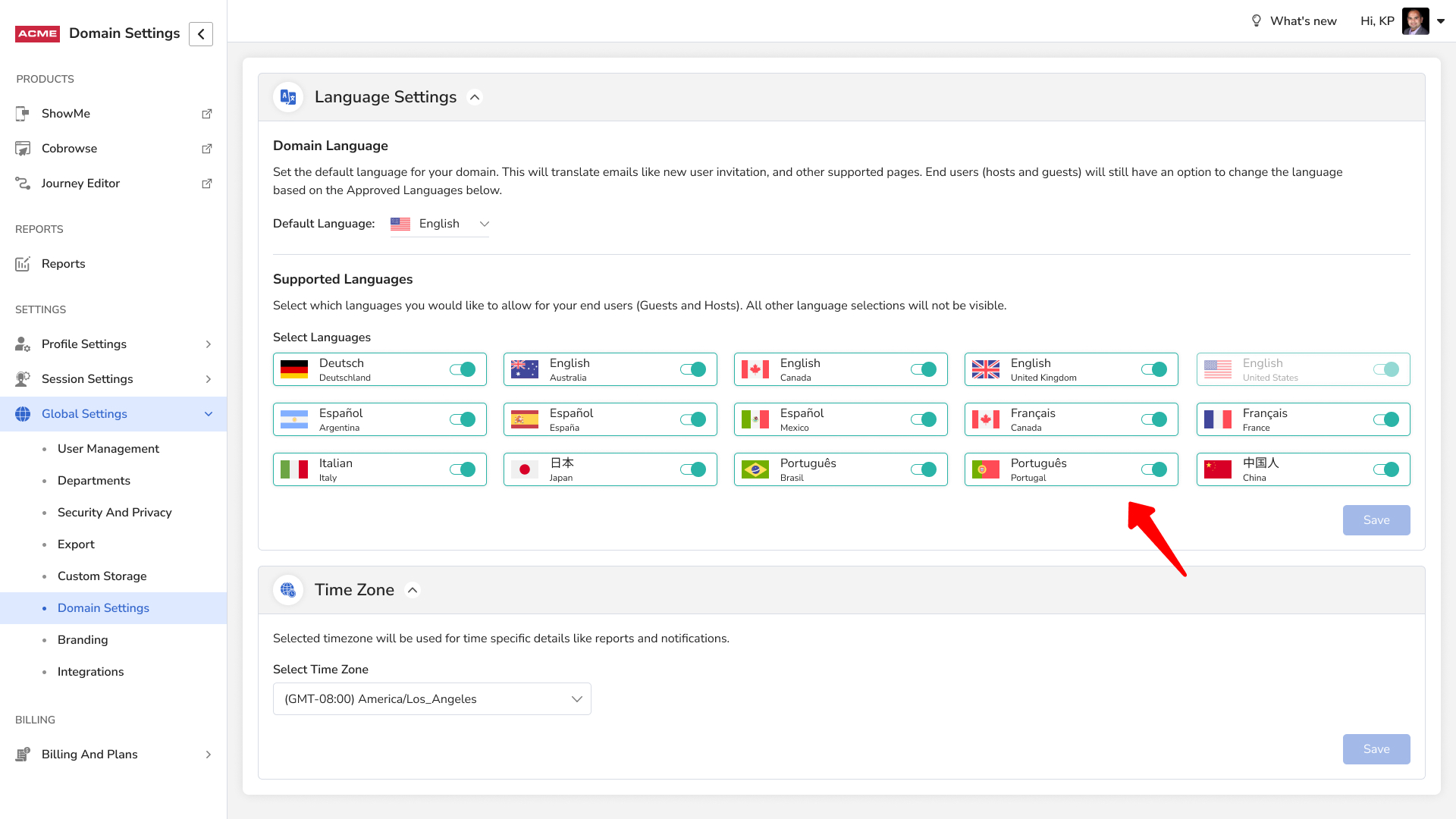
- In the Admin Console, go to Domain Settings.
- Select the languages you want to enable.
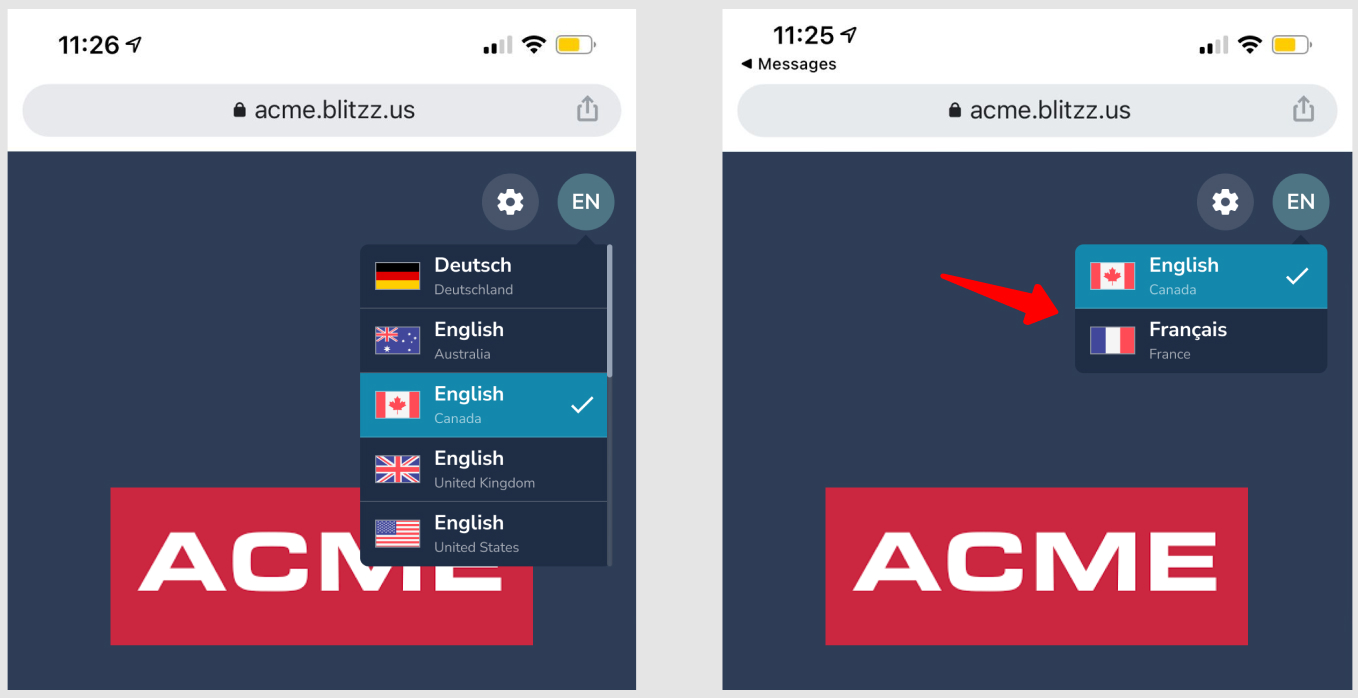
The guest and agent interfaces are now available in the languages you selected.
Frequently asked questions
Does this change the language for agents too?
Yes. It applies to both guest and agent screens.