
You can give your Agent Portal a custom name. By default, the Agent Portal shows the portal name and uses your domain logo.
How to change the Agent Portal name
- Log in as an Admin and click Global Settings in the left sidebar.
- Click Branding.
- On the Portal Name and Localization tab, select a language and enter the Host Portal Name.
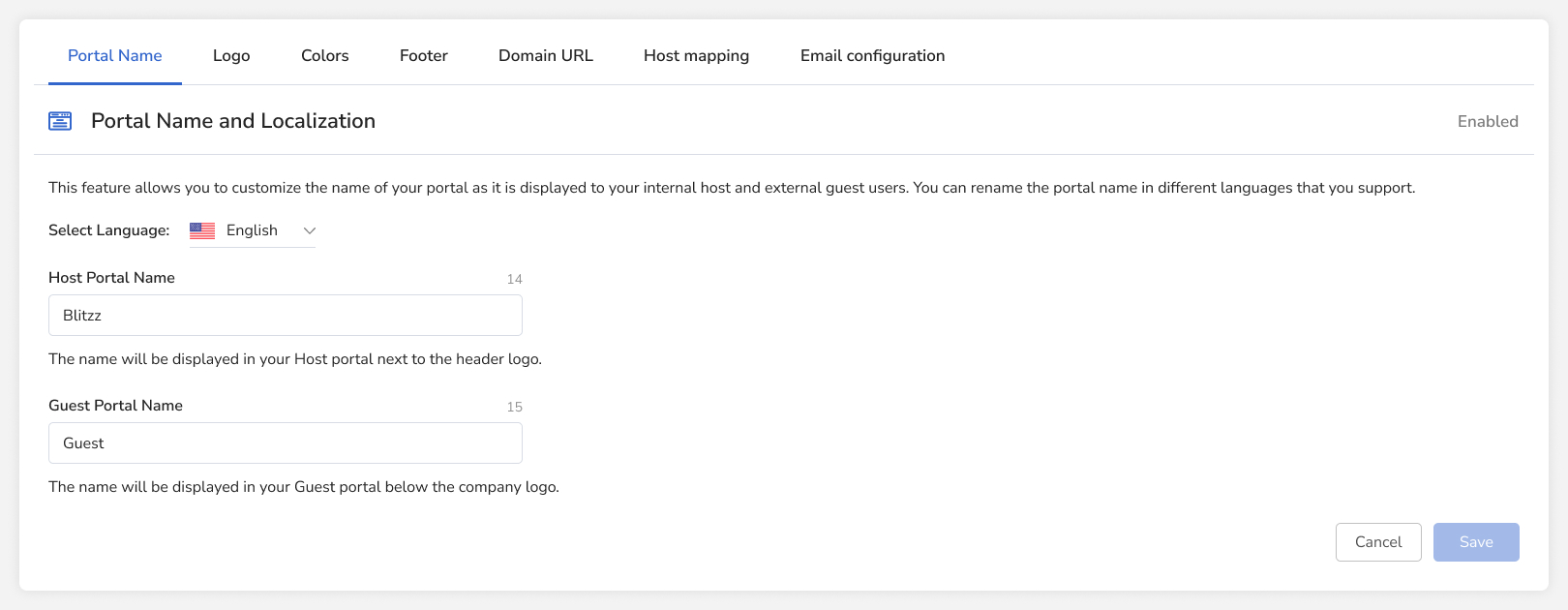
- Click Save at the bottom of the page.
Frequently asked questions
Can I set a different portal name for each language?
Yes. Select each language on the Portal Name and Localization tab and enter a name.