
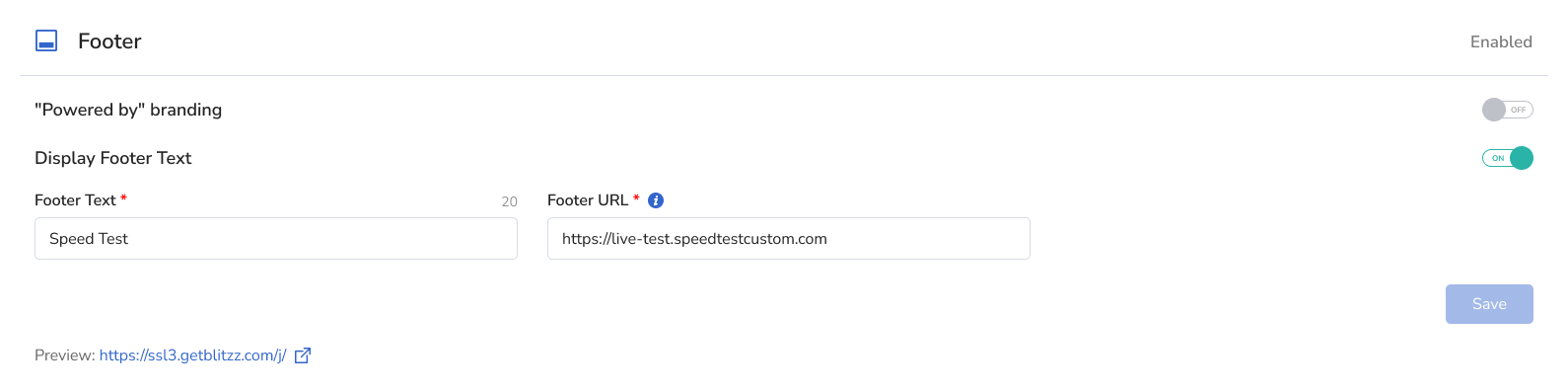
You can customize the footer guests see on their mobile device. Turn each of these on or off:
- Powered by Blitzz branding
- App Version
- Footer Text: custom text linked to a URL you choose
Tip: The app version helps when troubleshooting, so consider keeping it on. By default, the footer text links to a speed test, another useful troubleshooting tool.
How to change the footer
Go to Settings and select Branding, then open the footer options.
Frequently asked questions
Can I remove Powered by Blitzz from the guest page?
Yes. Turn it off in the footer branding settings.