
A favicon is the small icon in browser tabs, bookmarks and history. A custom favicon strengthens your brand and gives users a more polished experience on your Blitzz site. Here's the default Blitzz favicon:

How to add a favicon
- Log in as an Admin and click Global Settings in the left sidebar.
- Click Branding.
- On the Brand Logo tab, under Favicon, click Upload favicon and choose your image. Supported formats: .ico, .jpg and .png. SVG is not supported.
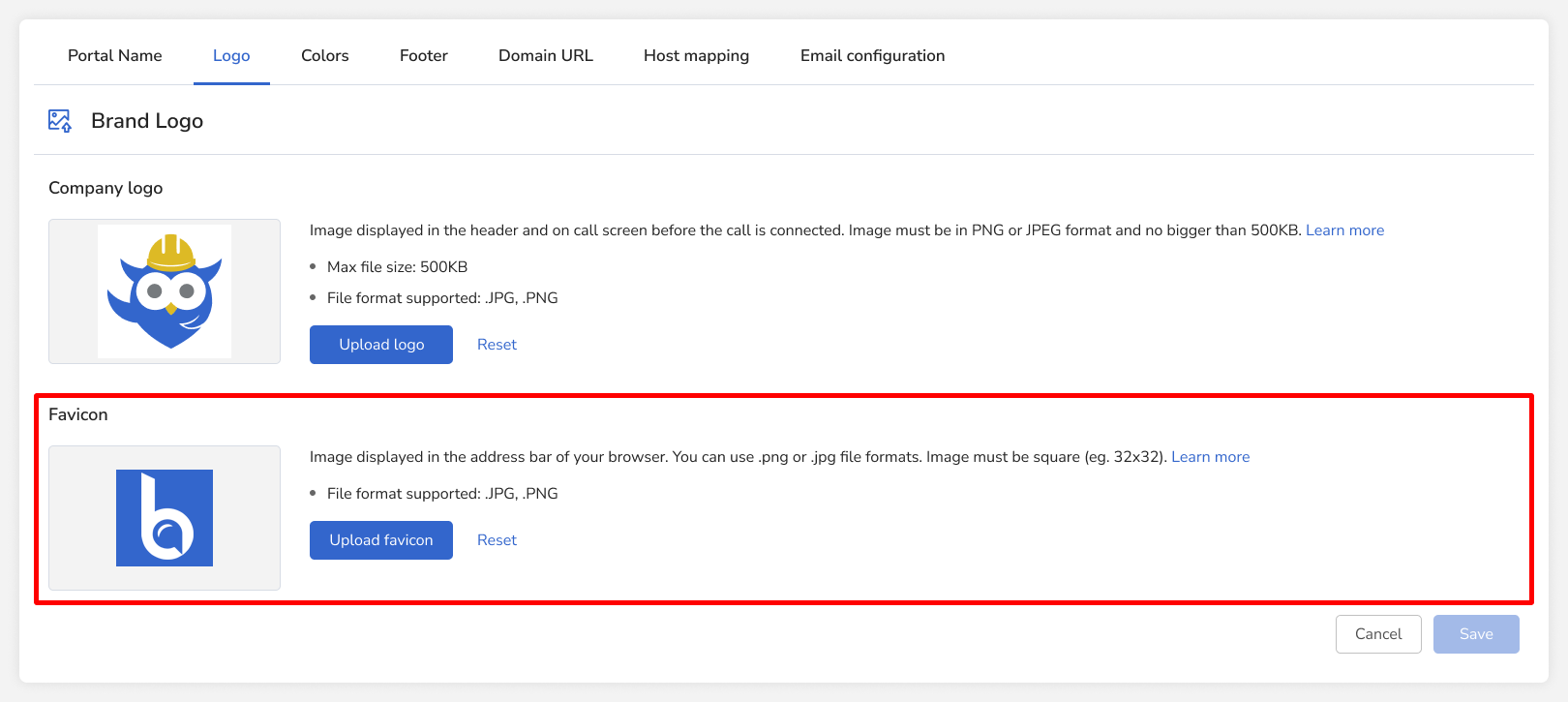
- Use a square image, for example 20 × 20 pixels.
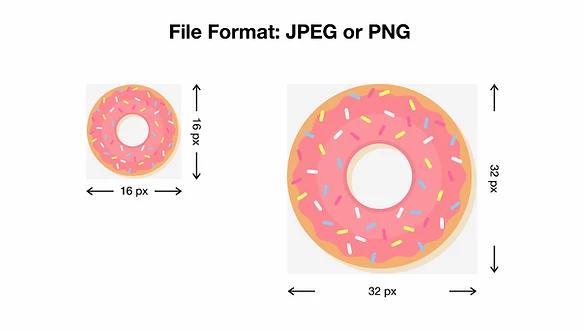
- Pick something simple that's easy to recognize at a very small size.
- Click Save at the bottom of the page.
Need a favicon?
Create one from your logo with this favicon generator.
Frequently asked questions
Can I upload an SVG favicon?
No. Use .ico, .jpg or .png.