
Who can access: Super Admin, Administrator or Data Analyst roles.
How to open Usage Reports
Go to Reports and open the Usage Reports tab. You can filter results, search by Session ID and export to Excel.
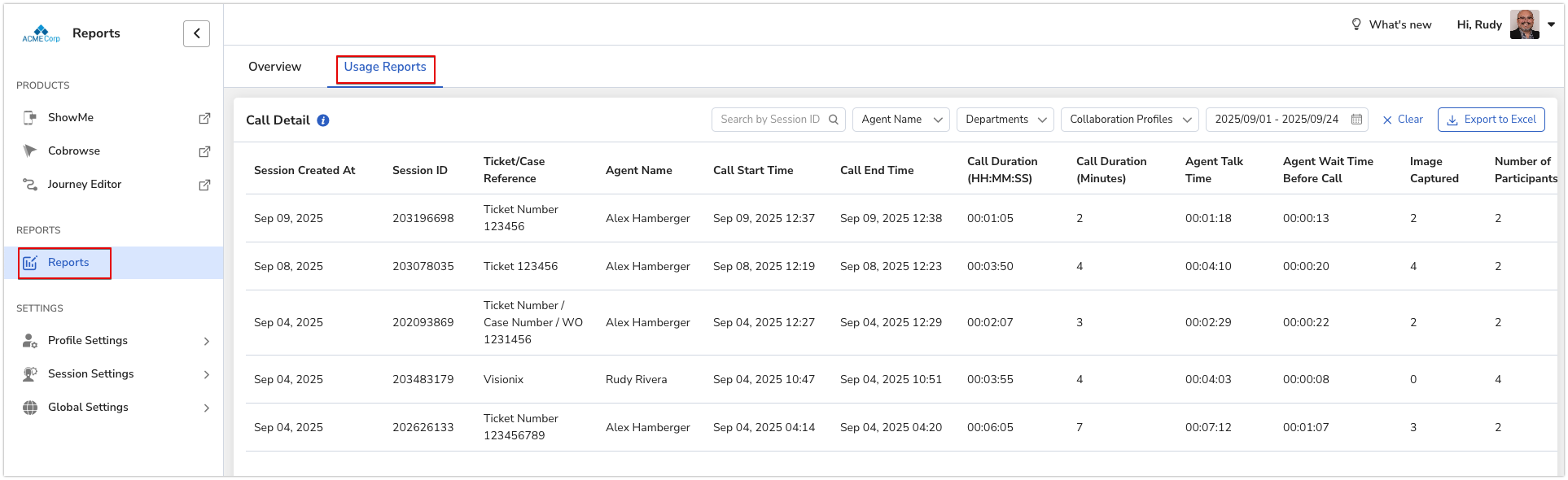
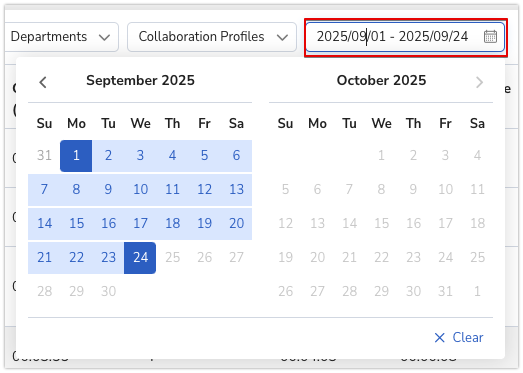
Filter options
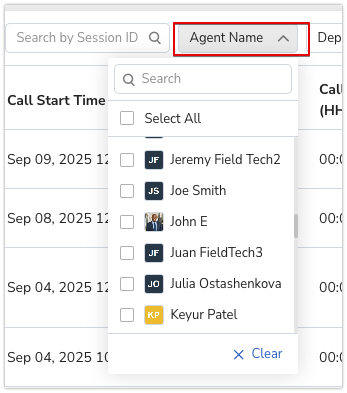
By agent name
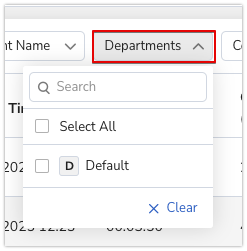
By department
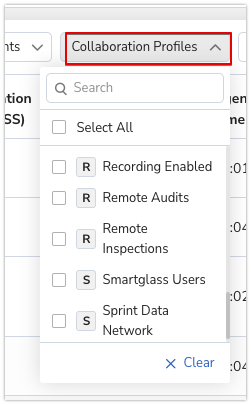
By Collaboration Profile
By date range
Export to Excel
After setting your filters, click Export to Excel.

Frequently asked questions
Why can't I see Reports?
You need the Super Admin, Administrator or Data Analyst role.