
Role required: Super Admin
How to export users to CSV
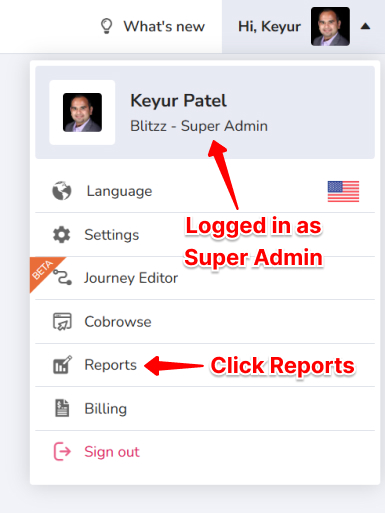
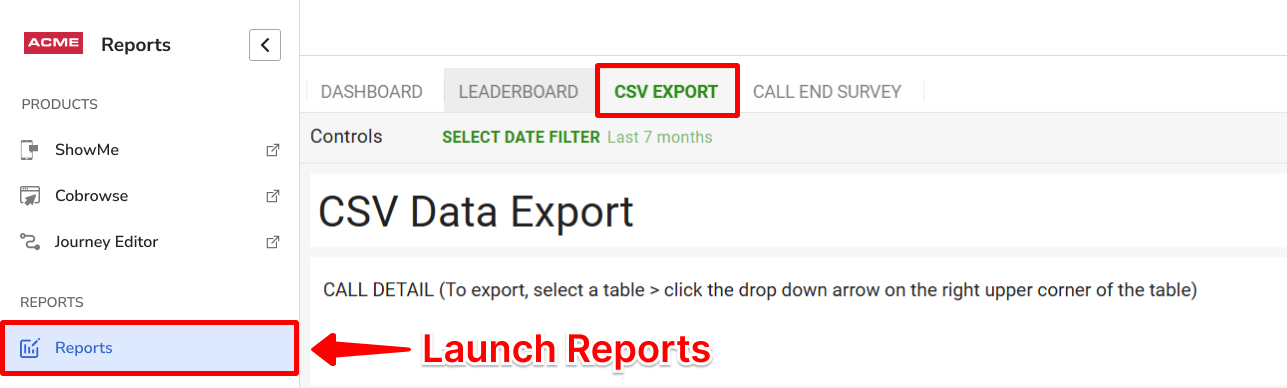
- Go to Reports from your user Settings.
- Click the CSV Export tab.
- Scroll to the Users table.
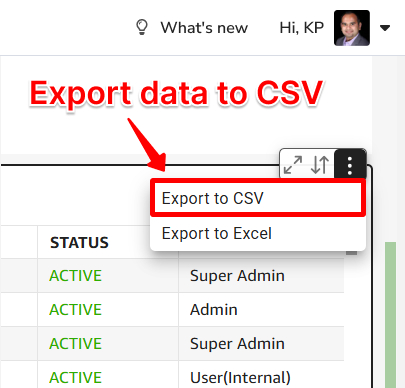
- Click anywhere in the table until a small triangle menu appears, then click Export to CSV.
- Depending on your browser, the file downloads automatically, or a dialog lets you choose a file name and location or open the file.
See also: Usage report field names and definitions.
Frequently asked questions
Who can export Blitzz users?
Only Super Admins.