
You can change your camera, microphone and other device settings at any time during a call.
How to change your devices
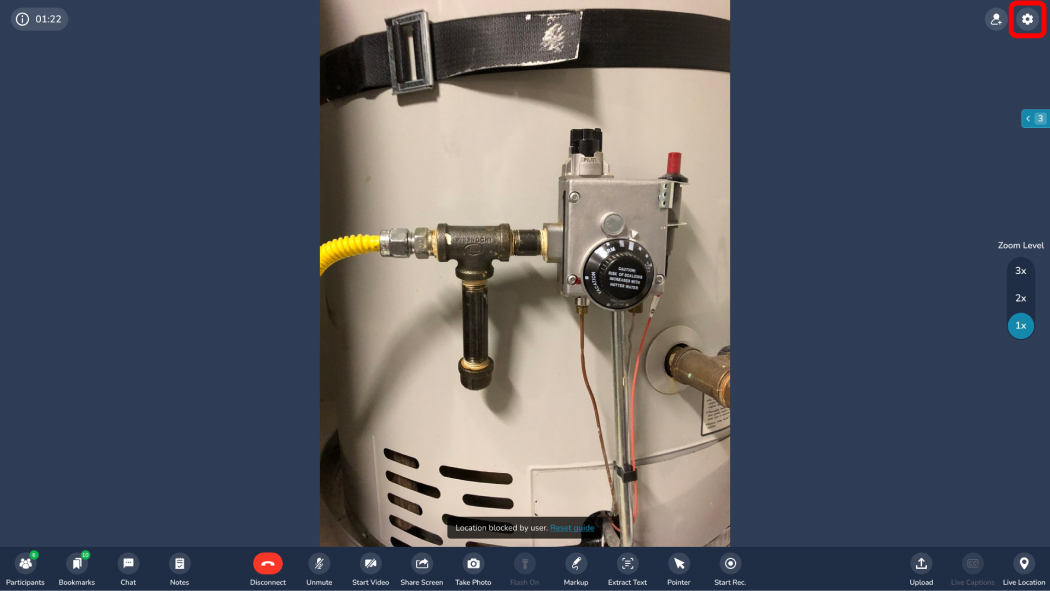
- During the call, click the Session Settings button.
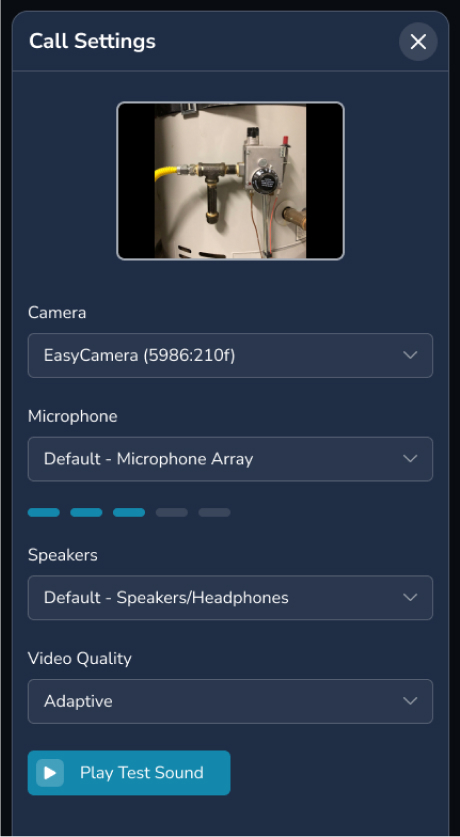
- Choose the camera, microphone or other setting you want.
Tip: use a headset
Using a microphone and external speakers from different devices can cause echo. A headset gives the best audio.
Frequently asked questions
Can I switch cameras without leaving the call?
Yes. Open Session Settings during the call and pick a different camera.