
If you can't log in, the cause is usually an incorrect password or email address.
How to reset your password
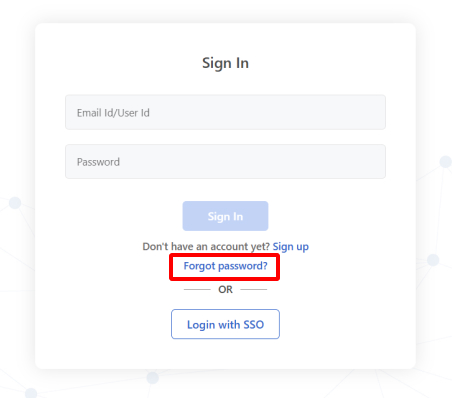
- Click Forgot Password on the login page.
- Enter your email address and submit.
- Open the password reset link in your inbox.
- After you log in, you can change your password in account settings.
Didn't get the reset email?
- Check your spam folder. The email may have been filtered.
- Check your email address. You may have signed up with a different email, or there was a typo.
- SSO may be on. Your organization may use single sign-on. Check with your IT team.
- Check your login URL. Make sure you're on your company's subdomain: https://{your-company}.blitzz.co/login
Still need help?
Email support@blitzz.co with your name, email and company name.