
Automatic language selection
On Android and iOS, Blitzz uses your device's default language automatically, if it's supported. See all supported languages.
Change the language manually
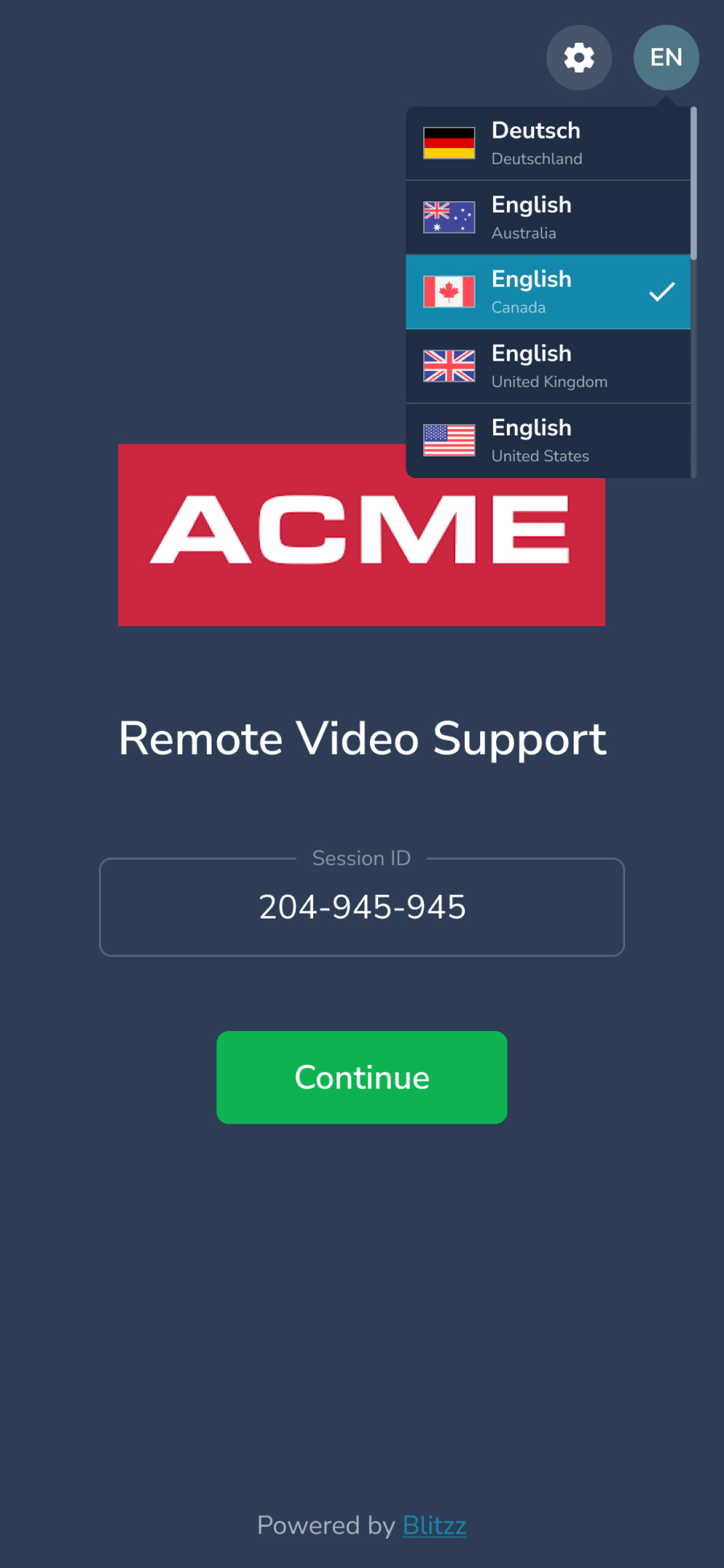
If your language isn't selected automatically, change it yourself.
Agents
Set your language on the home screen and call screen the first time. Blitzz remembers your choice.

Guests
Click the Settings icon > Language.
Frequently asked questions
Why is Blitzz in the wrong language?
Blitzz follows your device language. Change it manually using the steps above.