
How to change your password
- Log in to the Blitzz portal.
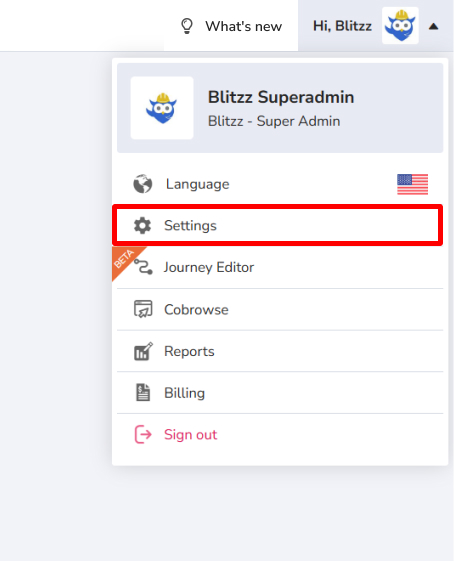
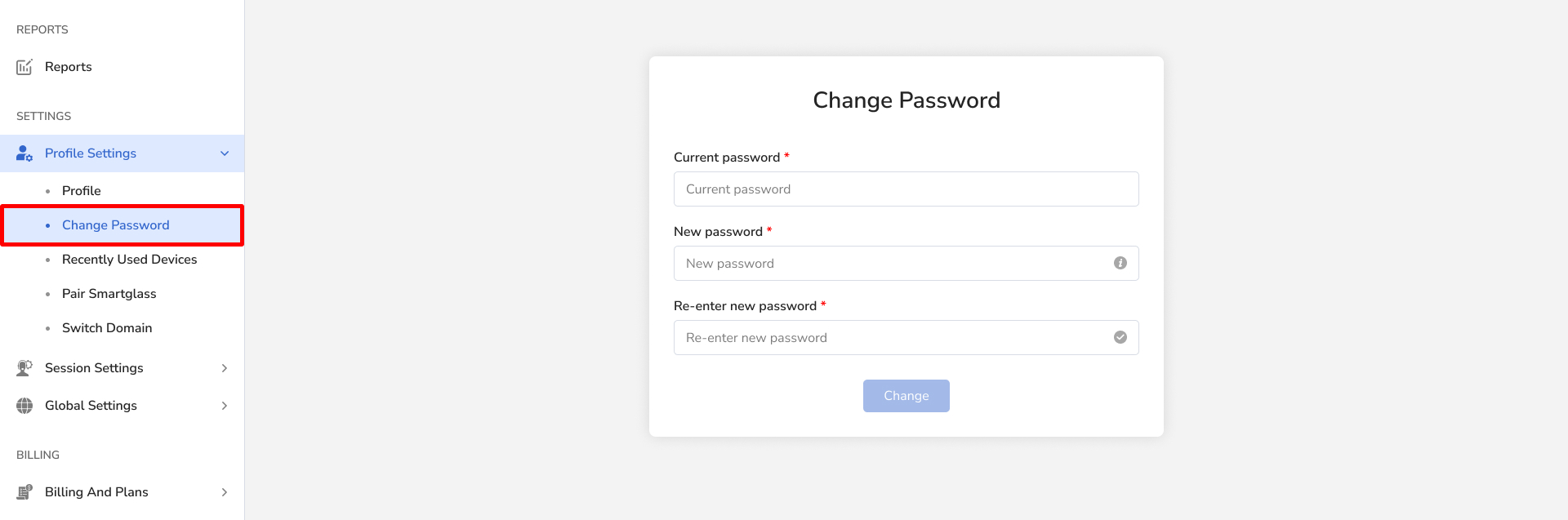
- Go to Settings and click Change Password.
- Enter your current and new password.
Forgot your current password?
- Log out of your account.
- Reset your password.
Frequently asked questions
Can I change my password without knowing the current one?
No. Log out and use Reset Password instead.