
Available to: Users with the Admin role on Enterprise plans
Turn on Session Timeout to log out inactive users automatically. After the time you set, they must log in again.
How to set the session timeout
- Click the Settings icon in the main navigation bar.
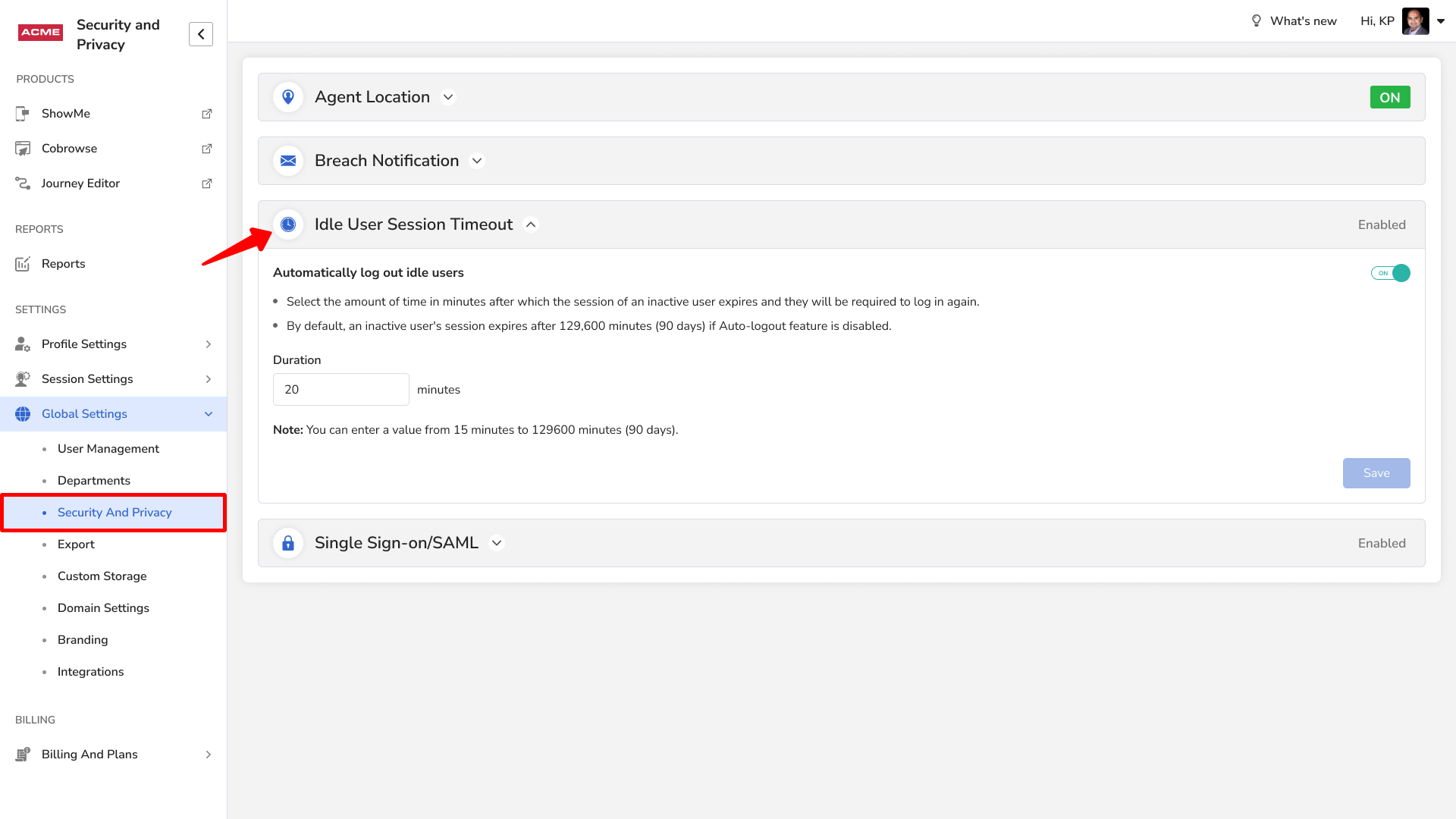
- In the left menu, go to Security and Privacy.
- Under Idle User Session Timeout, enter the number of minutes and click Save.
You can choose from 15 minutes up to 129,600 minutes (90 days).
Frequently asked questions
What range can I set for the idle timeout?
15 minutes to 90 days.