
After a Blitzz Inspect session, Blitzz creates a Word document for you. It includes:
- Notes
- Location images (if enabled for the agent or guest)
- Images captured during the session
How to download the Word report
- Open Session History and select the session.
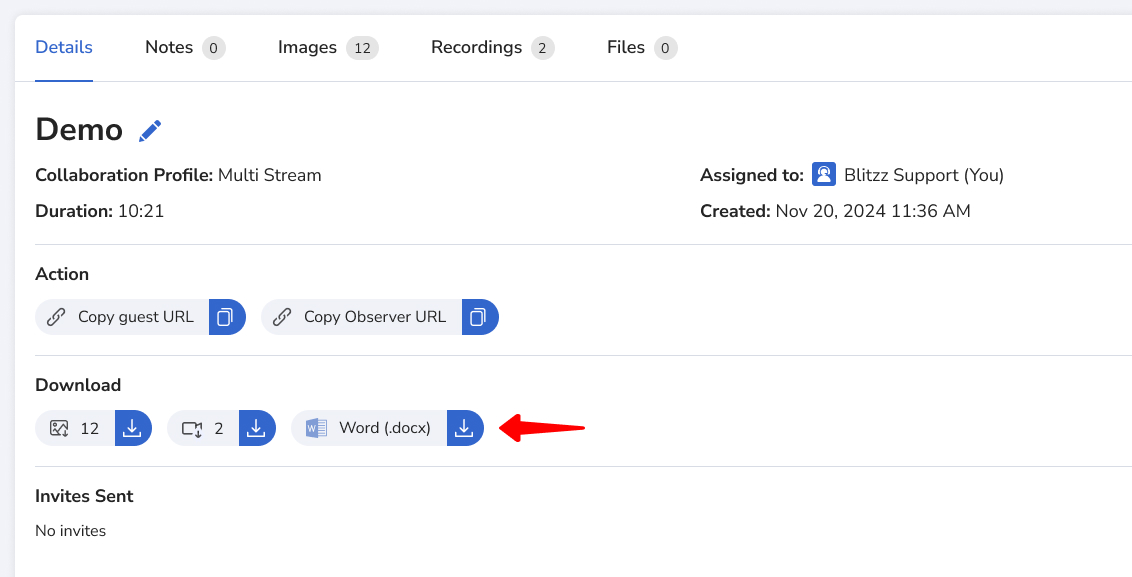
- Go to the Details tab.
- Click the download icon next to Word (.docx).
Frequently asked questions
Is the Word report created automatically?
Yes. It's generated after each Blitzz Inspect session and is ready to download from Session History.