
Depending on your Collaboration Profile settings, you may need the Blitzz Remote Assist mobile app to join a session. After installing it, you might not see a session code. Here's how to connect.
How to join a session in the Blitzz Remote Assist app
Step 1: Download the app
Get Blitzz Remote Assist from the Google Play Store (Android) or the App Store (iPhone and iPad). Look for this app icon:

Step 2: Open the app
After you install and open the app, you'll see this screen without a code:

Step 3: Tap your invite link again
Go back to the original invite (SMS, WhatsApp or email) and tap the link again. The app opens and connects you to the session automatically.
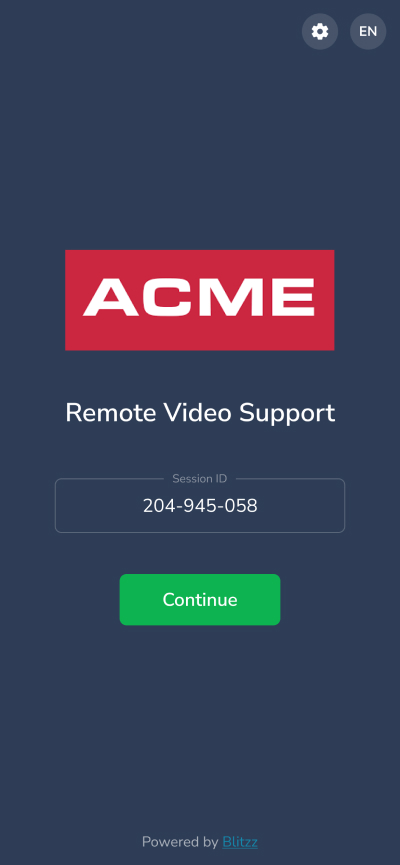
Or enter the code manually
You can also type the 9-digit Session ID in the app.
Frequently asked questions
Where do I find my Blitzz session code?
It's in your invite. The easiest way is to tap the invite link again after installing the app, which connects you automatically.