
To add more text to an email invite, you can send it from your own email client, such as Gmail or Outlook. For built-in template options, see Customize SMS and email invites.
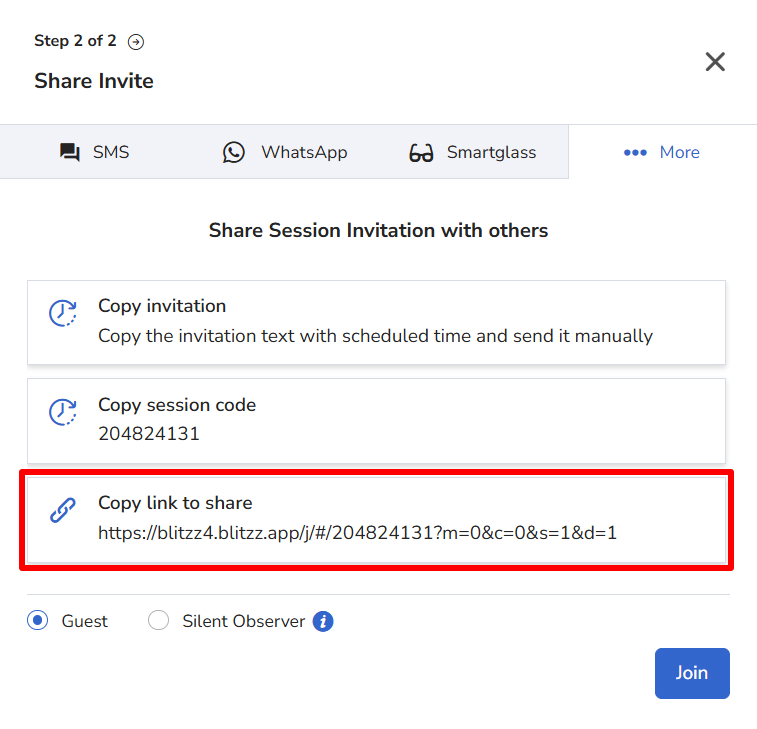
Option 1: Copy the link
Copy the session link when you create a session and paste it into an email.
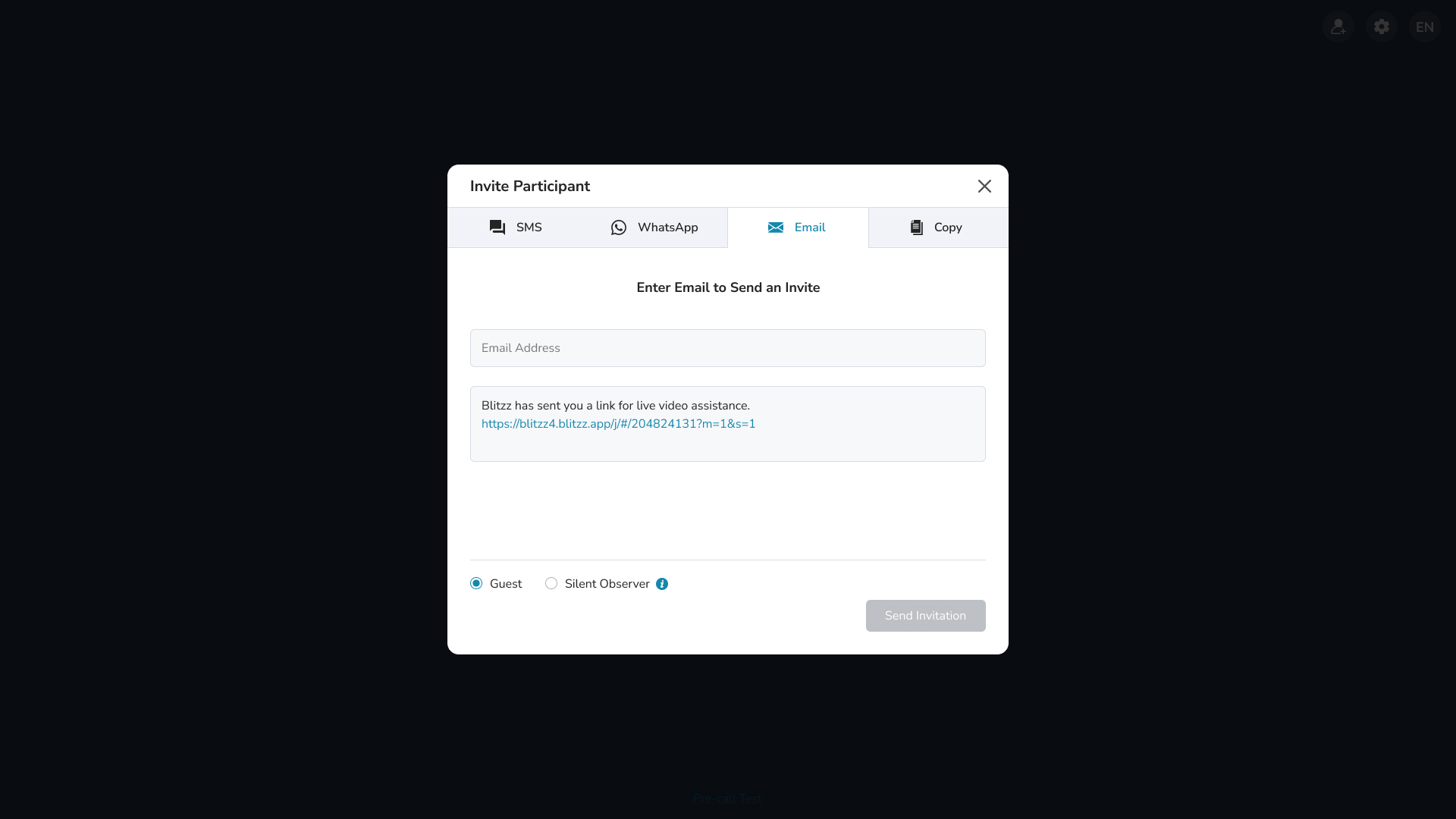
Option 2: Use Add Email
Click Add Email in Invite Participant. The invite opens in your email client, where you can edit it.
Questions? Contact the Blitzz support team.