
Guests can share their smartphone screen during a Blitzz call. This helps when troubleshooting an app on a customer's phone or walking through a bill together.
Requirement
The guest needs the Blitzz ShowMe app (a quick, lightweight download). Mobile browsers don't support screen sharing.
Here's a guest sharing their screen from an Android device:

How to set it up
Step 1: Create a Collaboration Profile with Force App Download
When the guest taps the SMS link, they're taken to the App Store or Google Play to download the Blitzz ShowMe app.

Step 2: Start a session with that profile
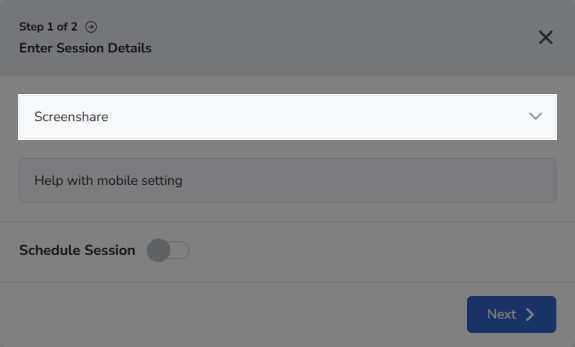
Create a new session using the Collaboration Profile with Force App Download.
Alternative: ask the guest to open the app
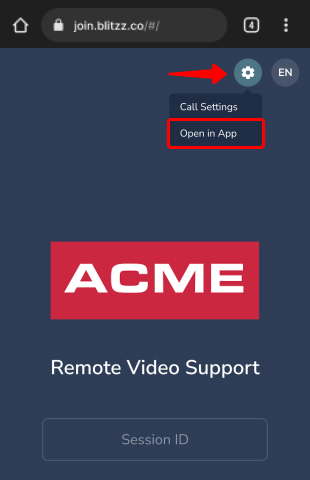
If you don't want a separate Collaboration Profile, ask the guest to tap the Settings icon > Open in App.
Frequently asked questions
Can guests share their phone screen from the browser?
No. Mobile screen sharing requires the Blitzz ShowMe app.