
On a Windows or Mac browser
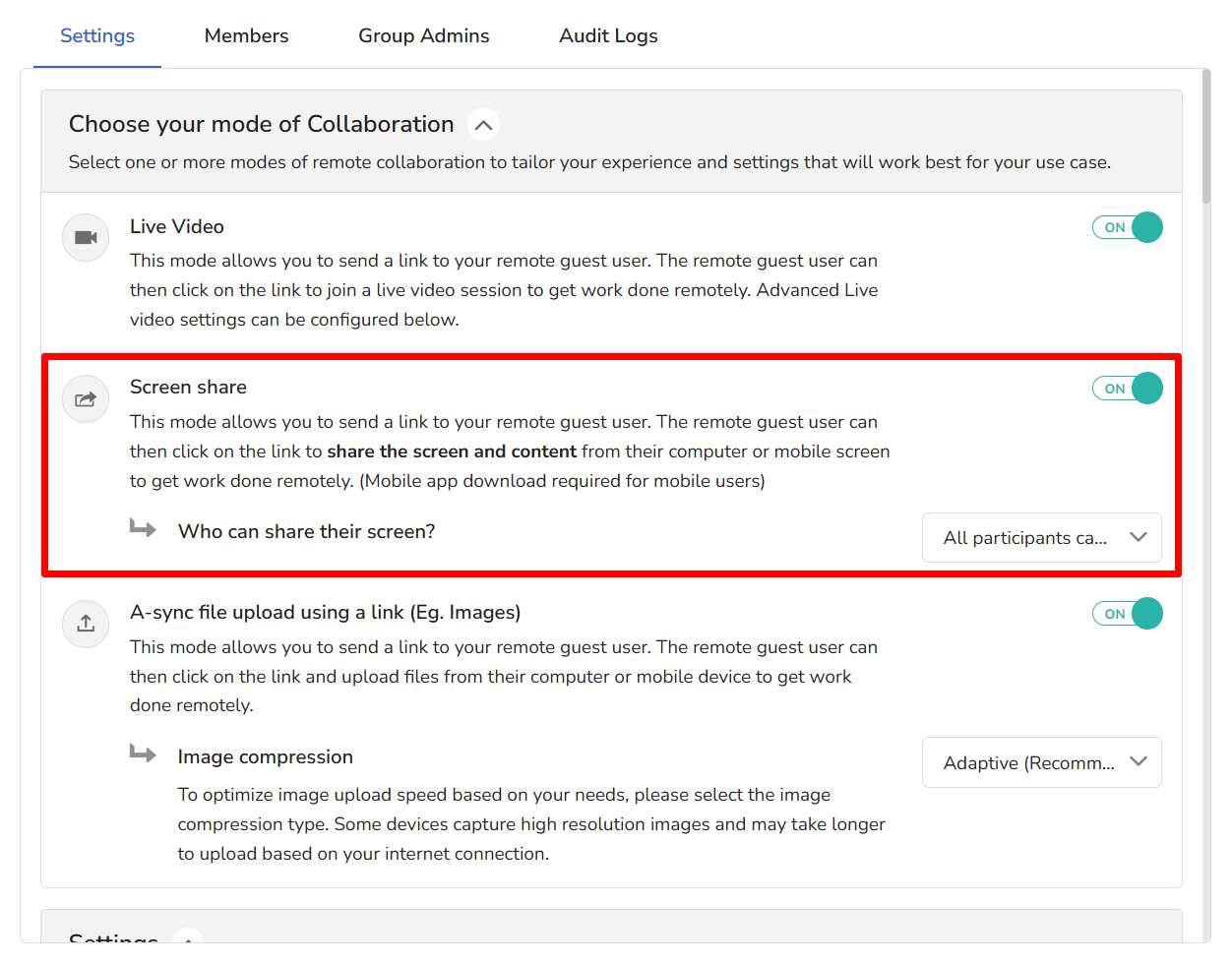
Make sure screen share is turned on in the Collaboration Profile for that user.
On a mobile browser
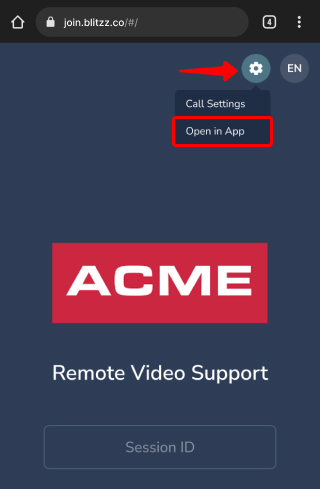
Mobile browsers don't allow screen sharing. Install the lightweight ShowMe app instead (learn more).
- Licensed users: To screen share from a phone or tablet instead of a computer, you need the ShowMe app.
- Guests: To share their screen, guests also need the ShowMe app. They don't need to log in or enter a password, so they can share right away.
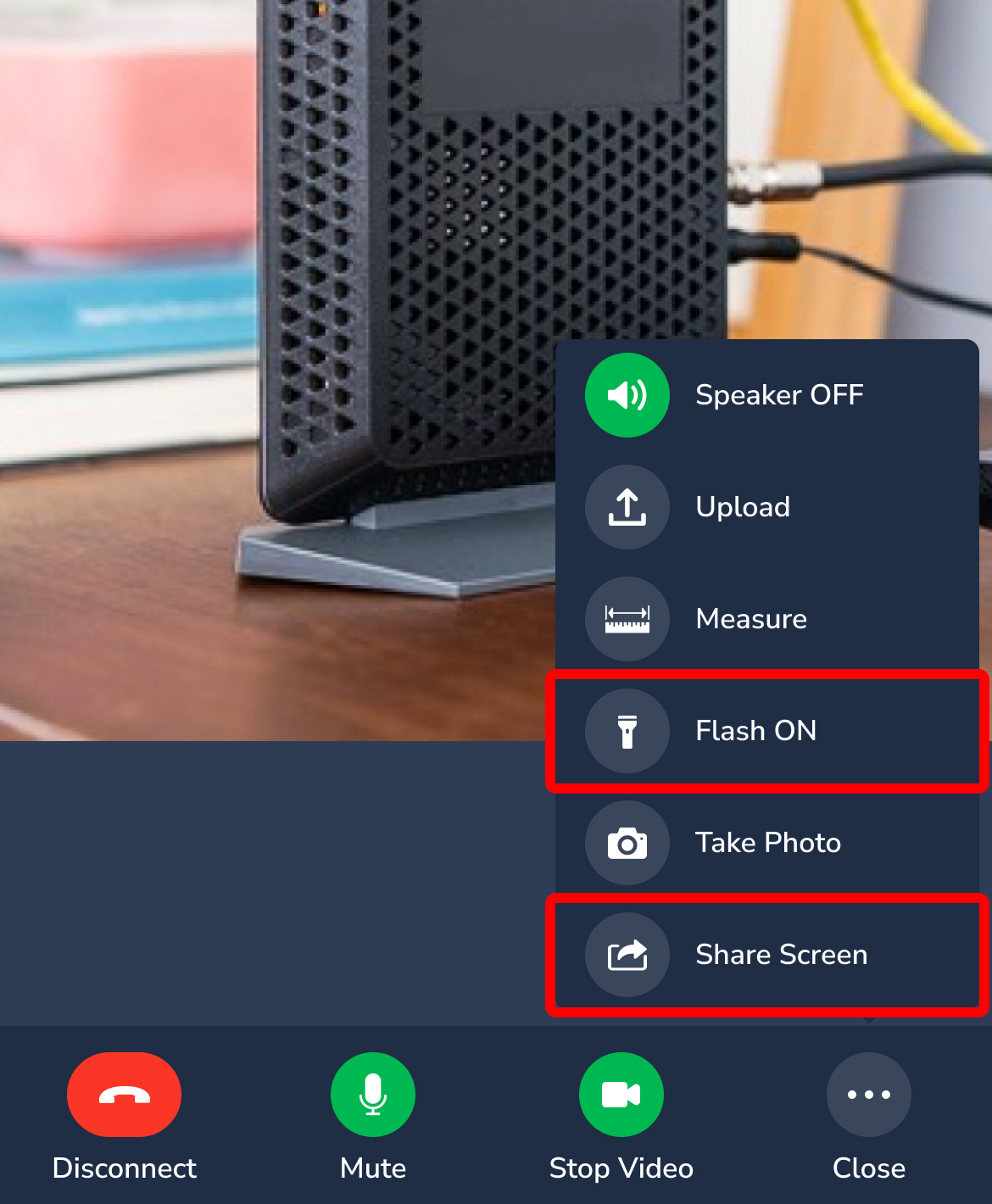
These images show how to share the screen in the app. When a guest uses the app, the agent can also turn on the guest's flashlight remotely. The guest can turn it on too.
Frequently asked questions
Do guests need an account to use the ShowMe app?
No. They can share their screen without logging in.