
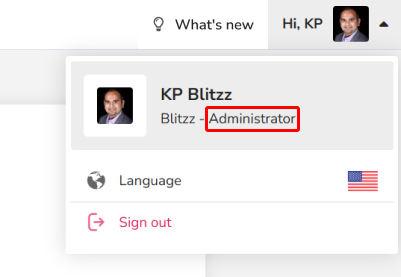
You need Administrator access to open the Admin Portal.
How to open the Admin Portal
- Sign in to the web portal (https://domain.blitzz.co).
- Click the gear icon to the left of your name.
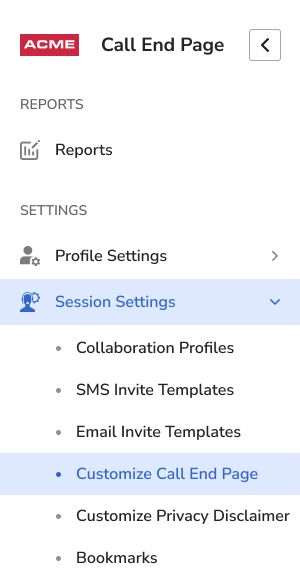
- The Settings menu opens on the left. Admin settings are at the bottom.
Frequently asked questions
Why don't I see admin settings?
Your account doesn't have Administrator access. Ask your Blitzz admin.